What is Chub AI?
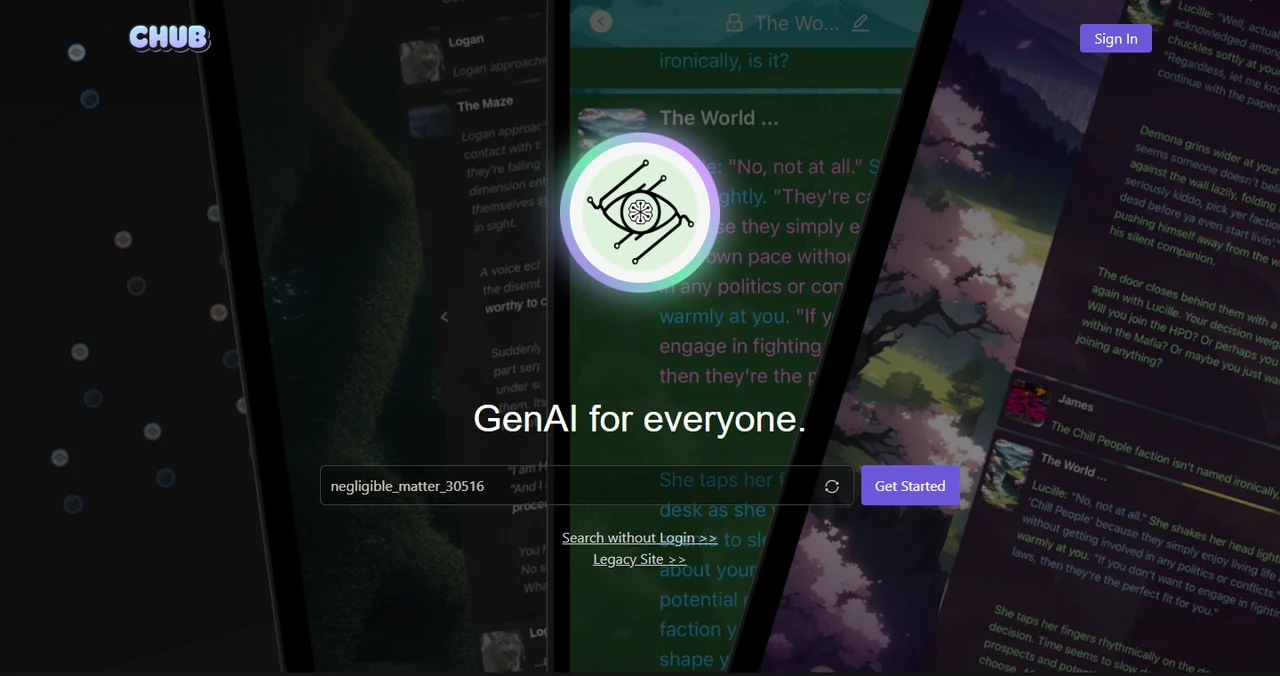
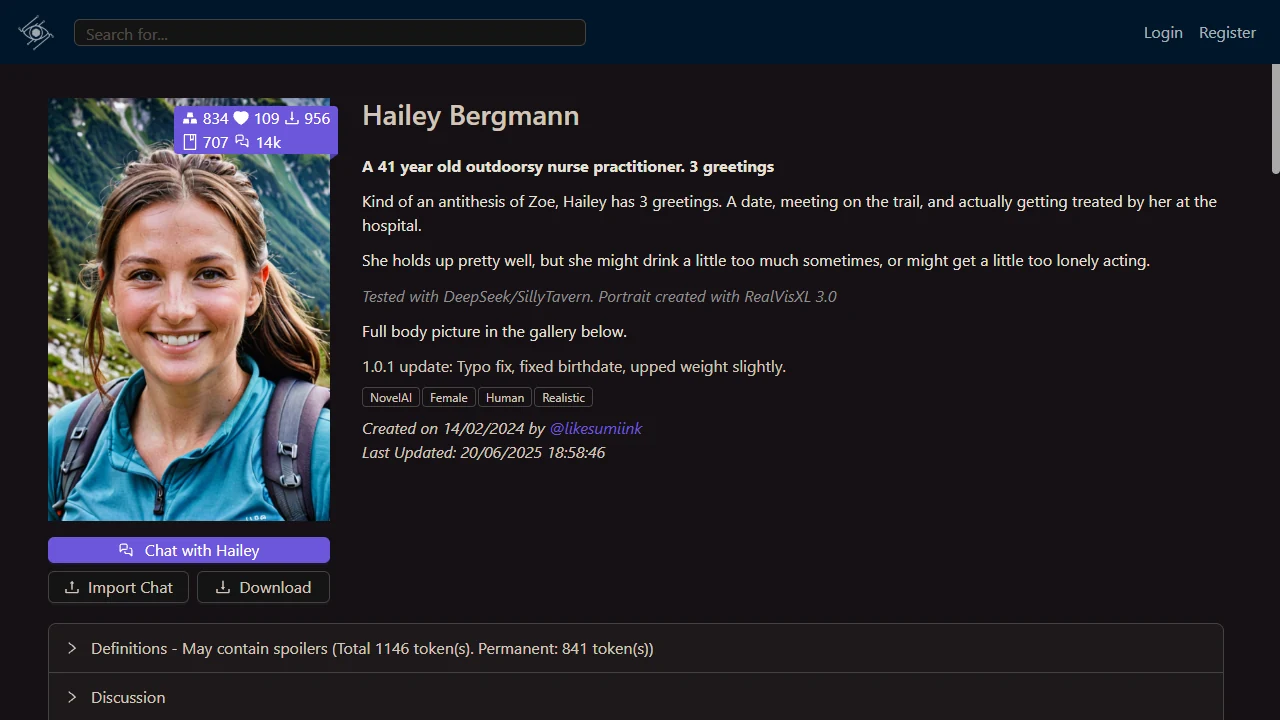
Chub AI is a web platform built around user-created AI character cards, public discovery and configurable conversations. Its current landing page describes the product as “GenAI for everyone”, while the public catalogue lets visitors search characters, lorebooks, presets, stages, people and tags without signing in. A character card can combine a display name, avatar, tagline, tags and a longer definition that shapes how the character responds.
The catalogue is community-led, so subjects, writing quality and ratings vary. The eight profiles shown here were selected from public results only after their declared adult ages, visible text and final image crops were checked. They are examples of the catalogue format, not a promise that every profile follows the same tone or remains available permanently.
How does Chub AI character creation work?
The official character-creation guide divides the editor into Character Info and Character Definition. Character Info covers searchable metadata: the required name plus optional avatar, tagline, in-chat name, creator note and tags. Creators also choose whether a card is public, private or unlisted and assign its content rating. The documentation notes that accurate tags matter because they help visitors understand and find a card.
Character Definition supplies the conversational material. The required description can set personality, appearance, background and behaviour, while the required initial message opens the conversation. Optional fields include a scenario, example dialogue, alternate greetings, a system prompt, post-history instructions, a character note and an attached Character Book. Macros can insert the user name, character name, date, time, message count or a random value.
Which Chub AI chat tools are documented?
The chat guide describes configuration controls for prompt structure, generation parameters and text-to-speech, with presets used to save model-specific settings. Chat Settings can add another character, attach a lorebook or stage, and export a conversation as JSONL, PNG or text. Character Settings let a user adjust definitions for a specific conversation without necessarily changing the public card.
Longer stories receive several organisation tools. Chat Memory can store or generate a summary of older messages as additional context. All Chats lists conversations for the current character, while public sharing can create an anonymised link. A full chat tree supports branches, making it possible to return to an earlier point and follow a different response. Personas, interface themes, next-response drafting and in-chat image generation are also described.
- Prompt and generation presets
- Chat Memory summaries
- Branching conversation trees
- Personas and themes
- JSONL, PNG and text export
- Characters, lorebooks and stages
How do Chub AI lorebooks organise context?
A lorebook stores pieces of setting or character information behind keywords. When a keyword appears in a recent message, the matching entry can be inserted into the prompt. This keeps world details outside the permanent character definition until they are relevant. A lorebook attached directly to a character is called a Character Book.
The main controls are Scan Depth and Token Budget. Scan Depth sets how many recent messages are checked for keywords; Token Budget limits how much lorebook material can enter the prompt. Entries can also use secondary keywords, insertion order, priority, probability, case sensitivity, selective logic, constant insertion and recursive scanning. These controls make lorebooks useful for recurring places, factions, rules and background facts in longer scenarios.
What do Chub AI plans include?
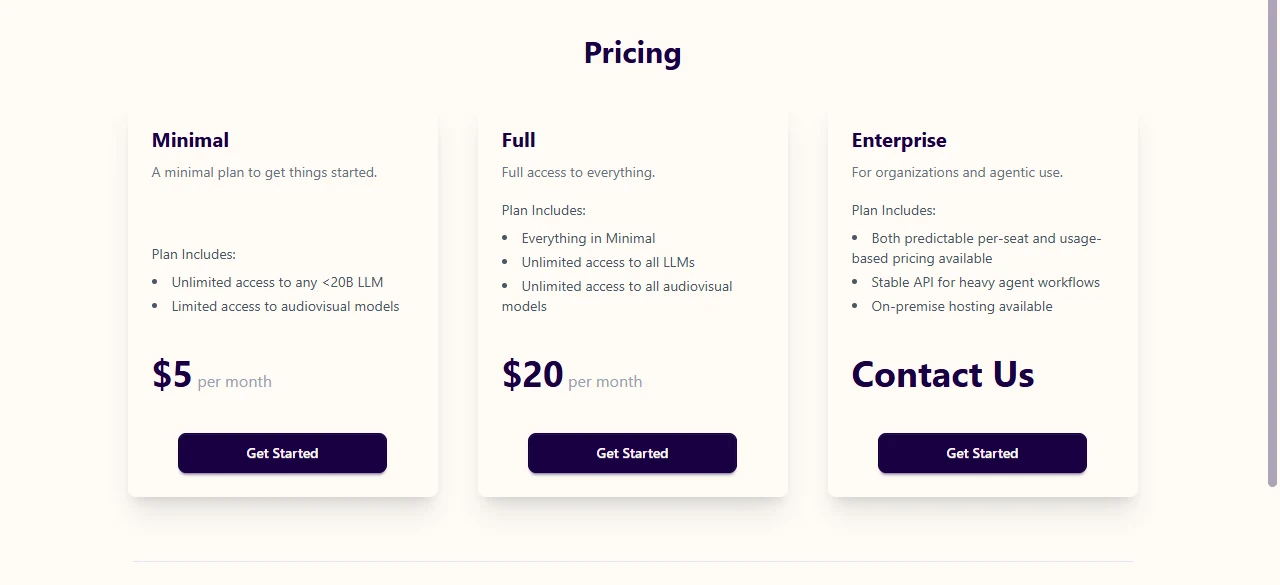
The public pricing page currently lists Minimal at $5 per month and Full at $20 per month. is described as including unlimited access to language models below 20 billion parameters and limited access to audiovisual models. adds unlimited access to all listed language and audiovisual models. An Enterprise option uses contact-based pricing and mentions seat-based or usage-based arrangements, a stable API for heavier agent workflows and on-premise hosting. Minimal Full
Plan details can change, and a public description does not show every operational limit. Check the live pricing page, account requirements and current terms before choosing a plan. Visitors who connect an external model API should also review that provider's separate cost, retention and privacy rules before placing personal or confidential material in a prompt.